This article provides a guide on using the Uniden BC365CRS scanner as an affordable and effective input device for cerkitScribe.
For many radio operators, transcribing communications in real-time is a game-changer for accuracy and logging. While connecting a high-end radio rig directly to your computer is a common approach, it often comes with a steep price tag and technical limitations. A smarter, more cost-effective solution is to use a standard radio frequency (RF) scanner, like the Uniden BC365CRS, as your primary input device for cerkitScribe.
The Scanner Advantage: More Than Just Cost Savings
By purchasing a dedicated scanner and tuning it to your operating frequency, you unlock several key benefits:
1. Cost-Effectiveness
A high-end radio transceiver can cost hundreds or even thousands of dollars. In contrast, the Uniden BC365CRS is an affordable desktop analog scanner that frequently retails for around $100–$120. It provides a dedicated "listen-only" path for your transcription software without requiring you to invest in a second full radio rig.
2. True "Full Duplex" Transcription
One of the most common frustrations when connecting a radio directly to a PC for transcription is the "missing half" of the conversation. Many radios do not output the user's own side of the transmission through the audio-out jack.
By using an external scanner tuned to your frequency, you create a "full duplex" monitoring environment. The scanner picks up the signal from the air—both the incoming transmission and your own outgoing signal—ensuring that cerkitScribe captures and transcribes every word of the dialogue, not just the remote party.
3. Free Up Your Radio
Connecting your main radio to a computer often "tethers" it, limiting your mobility or your ability to use the radio's built-in speaker. By offloading the audio feed to a scanner, your primary radio remains free for normal operation while the scanner quietly feeds the audio into cerkitScribe in the background.
Hardware Spotlight: The Uniden BC365CRS
The Uniden BC365CRS is an ideal candidate for this setup. It is a conventional analog scanner that covers the most popular bands for emergency reporting, aviation, marine, and amateur radio.
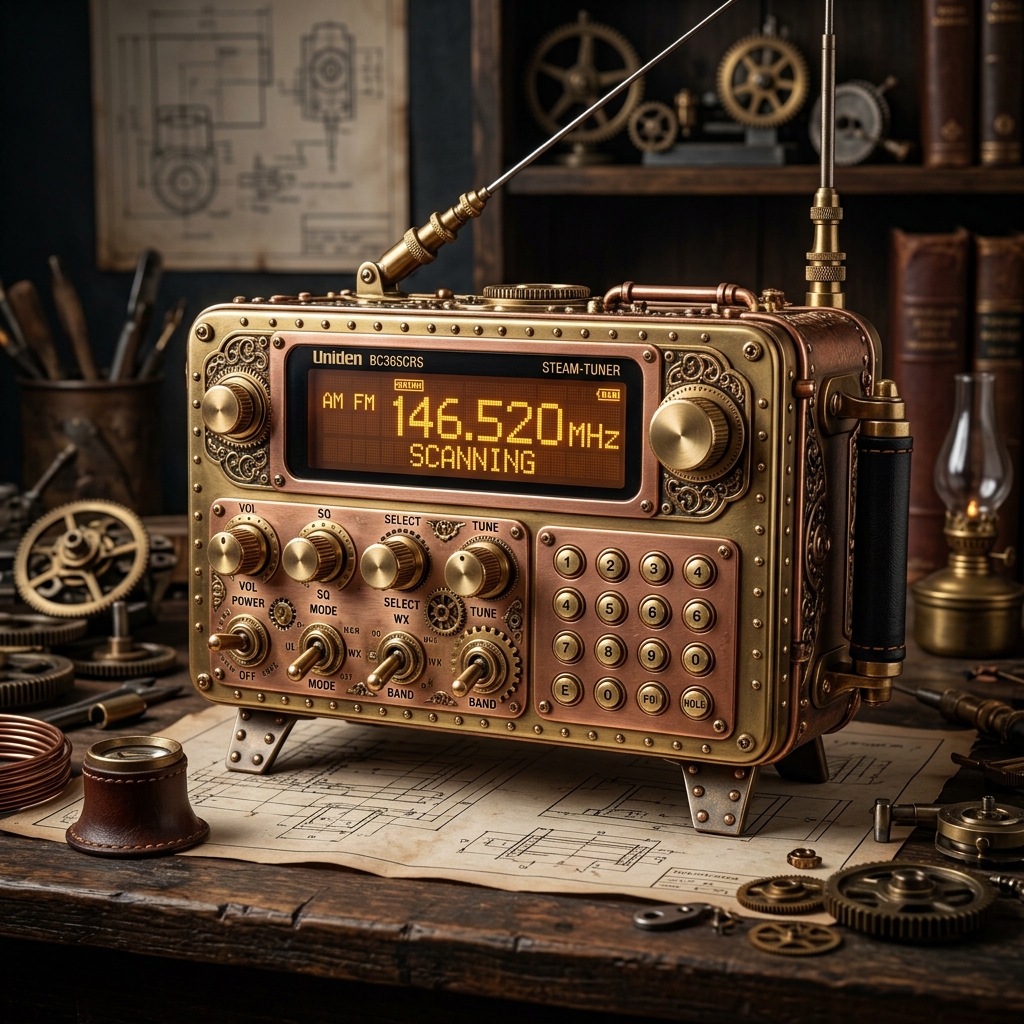
Key Features for cerkitScribe Users:
- Broad Frequency Coverage: Covers 25–54 MHz, 108–174 MHz, 225–380 MHz, and 406–512 MHz.
- Clear Audio Output: The 3.5mm external speaker/headphone jack provides a clean analog signal for your computer's audio interface.
- Desktop Design: Its stable base and easy-to-read backlit display make it a perfect companion for a permanent workstation setup.
- 500 Channels: Allows you to pre-program all your favorite frequencies and switch between them instantly.
How to Get Started
Connecting your scanner to cerkitScribe is simple and requires only a few basic components:
- 3.5mm Audio Cable: Use a standard 3.5mm male-to-male (TRS) audio cable to connect the "Headphone" or
"Ext. Spkr" jack on the back of the Uniden scanner to your computer's Line-In or Microphone
port.
Note: If your computer lacks an analog input, a small USB audio adapter can provide the necessary 3.5mm jack.
- Tune the Scanner: Set your Uniden BC365CRS to the frequency you wish to monitor.
- Configure cerkitScribe: Open the cerkitScribe app and select your computer's audio input (e.g., "Line In" or "USB Audio") from the device list.
- Start Transcribing: Once the levels are set, cerkitScribe will begin sampling the audio and providing real-time AI-powered text of your radio traffic.
By integrating a scanner like the Uniden BC365CRS into your cerkitScribe workflow, you gain a professional-grade transcription setup that is both powerful and budget-friendly. Stay focused on the conversation while cerkitScribe and your scanner handle the documentation.